Whether you are closing a server room, leaving a colocation facility, migrating to the cloud or upgrading an AI cluster, decommissioning has three goals: no data leaves unprotected, nothing goes missing, and every asset with value is recovered.
Phase 1: Plan
- Agree the scope: which racks, rooms or sites, and the dates.
- Name an owner on your side and on the provider’s side.
- Confirm access, loading bays, lifts, permits and working hours with facilities.
- Decide the data destruction method per equipment class: wipe, shred, on site or off site.
- Check contracts: leased equipment, maintenance agreements and software licences.
Phase 2: Inventory
- Export an inventory from your CMDB or DCIM, then verify it on the floor.
- Record make, model, serial number, rack location and configuration for servers, storage and networking.
- Count loose drives, spares, cables, racks and UPS batteries.
- Reconcile against the asset register. Differences are easier to solve now than later.
Phase 3: Data
- Confirm backups and migrations are complete and signed off.
- Export network configurations you need to keep.
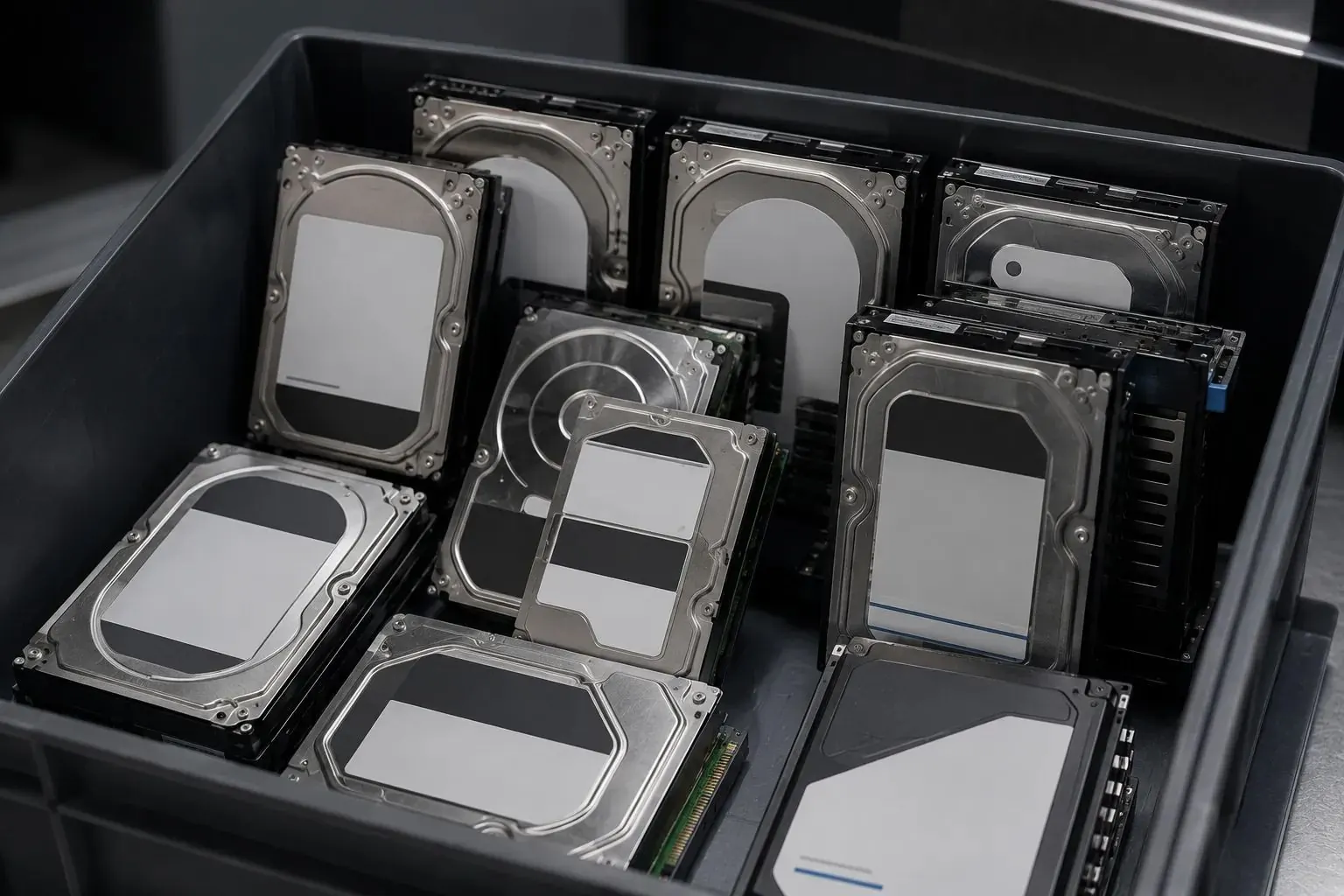
- Erase or shred every drive, on site if your policy requires it, and scan serial numbers before destruction.
- Reset network devices to factory defaults.
Phase 4: Physical removal
- Power down in the agreed order.
- De-rack, label and pack equipment.
- Remove cabling and, if in scope, racks and containment.
- Load under seal with a chain-of-custody record for each pallet.
Phase 5: Value and reporting
- Audit at the provider’s facility against your inventory.
- Receive the buyback valuation per item, and payment.
- Receive serial-level destruction certificates.
- Receive recycling documentation and reuse and CO₂ figures for your ESG report.
- Update the asset register and close the project.
Where the value is
Recent-generation servers, memory, processors, enterprise SSDs, high-speed network cards, optics and GPUs carry the most resale value. Wiping drives rather than shredding them keeps more of that value, where your policy allows it. See wiping vs shredding.
Need this done for you?
Gulf Asset Services buys used IT across the GCC and destroys the data on every device, with a certificate per serial number.
Get a quote in 24 hours