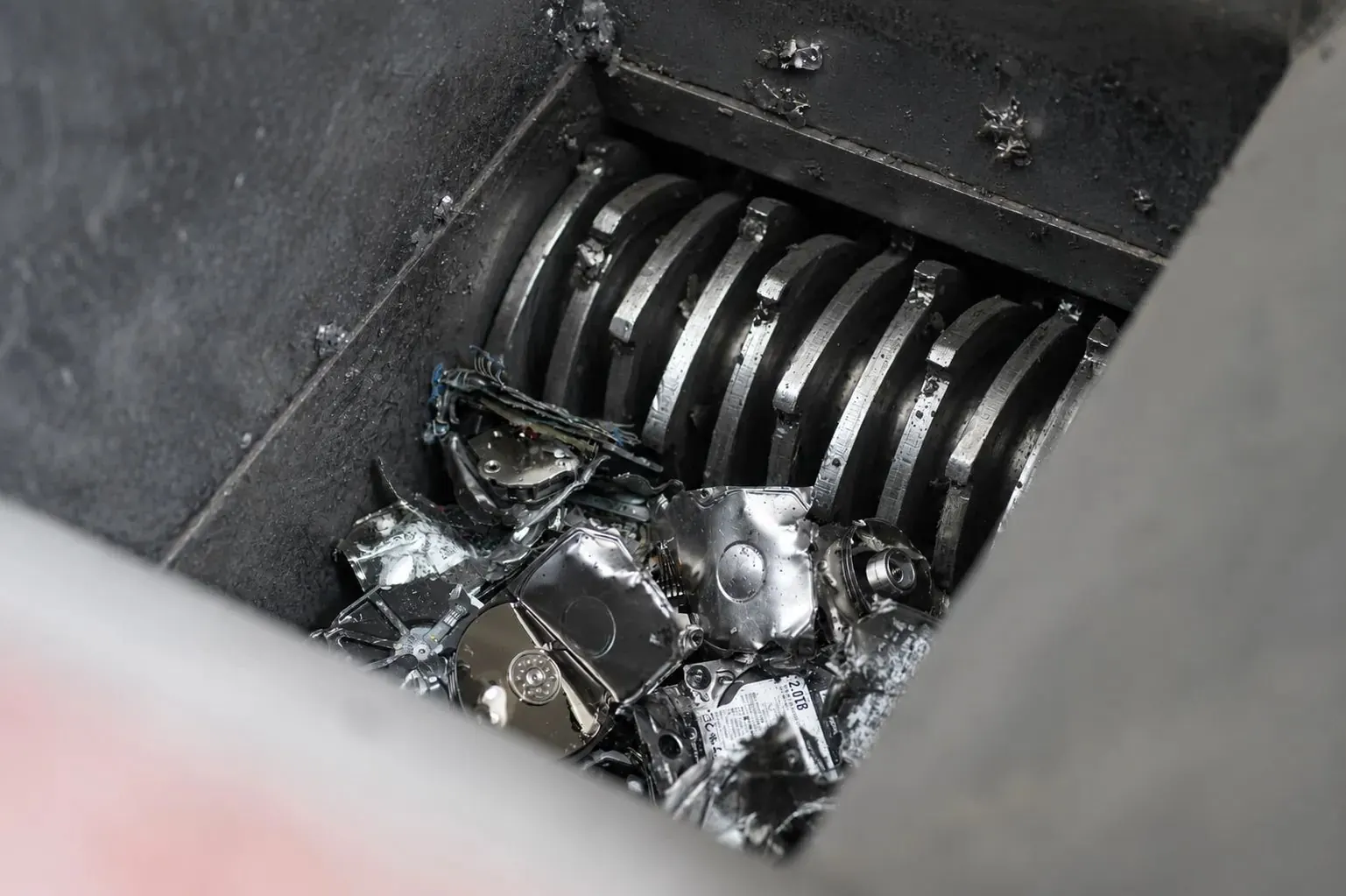
When a company retires laptops, servers or storage, it has to destroy the data on every drive. There are two main routes: software erasure (wiping) and physical destruction (usually shredding). Done properly, both make data recovery infeasible.
Side by side
| Certified wiping | Shredding | |
|---|---|---|
| Security | Recovery infeasible when verified to NIST SP 800-88 Purge | Recovery infeasible when shred size suits the media |
| Drive after | Reusable | Scrap |
| Resale value | Kept | Lost |
| Works on failed drives | No | Yes |
| Proof | Erasure report per drive | Serial scan before shredding, certificate |
| Sustainability | Better: the drive is reused | Materials recycled only |
When to choose wiping
- The drive works and has resale value, such as enterprise SSDs and recent laptop drives.
- You want the best buyback price for complete devices.
- Your policy accepts NIST SP 800-88 Purge with verification.
When to choose shredding
- The drive has failed and cannot be erased.
- Your policy or regulator requires physical destruction for certain data classes.
- The media cannot be reliably sanitised by software.
The common approach: both
Many organisations wipe everything that can be wiped, verify it, and shred only drives that fail erasure or hold the most sensitive data. That keeps value where it exists without compromising security.
On-site or off-site?
If data-bearing devices cannot leave your building, both wiping and shredding can be done on site, witnessed by your team. Otherwise, sealed transport with a chain-of-custody log to a secure facility is standard.
A note on SSD shredding
SSDs store data in small flash chips. A shredder sized for hard drives may leave chips intact, so SSDs need a finer particle size. Ask your provider what shred size they use for each media type.
Need this done for you?
Gulf Asset Services buys used IT across the GCC and destroys the data on every device, with a certificate per serial number.
Get a quote in 24 hours